
A Next-Level Video Storage Experience
CloudPlay means less hassle, less worry
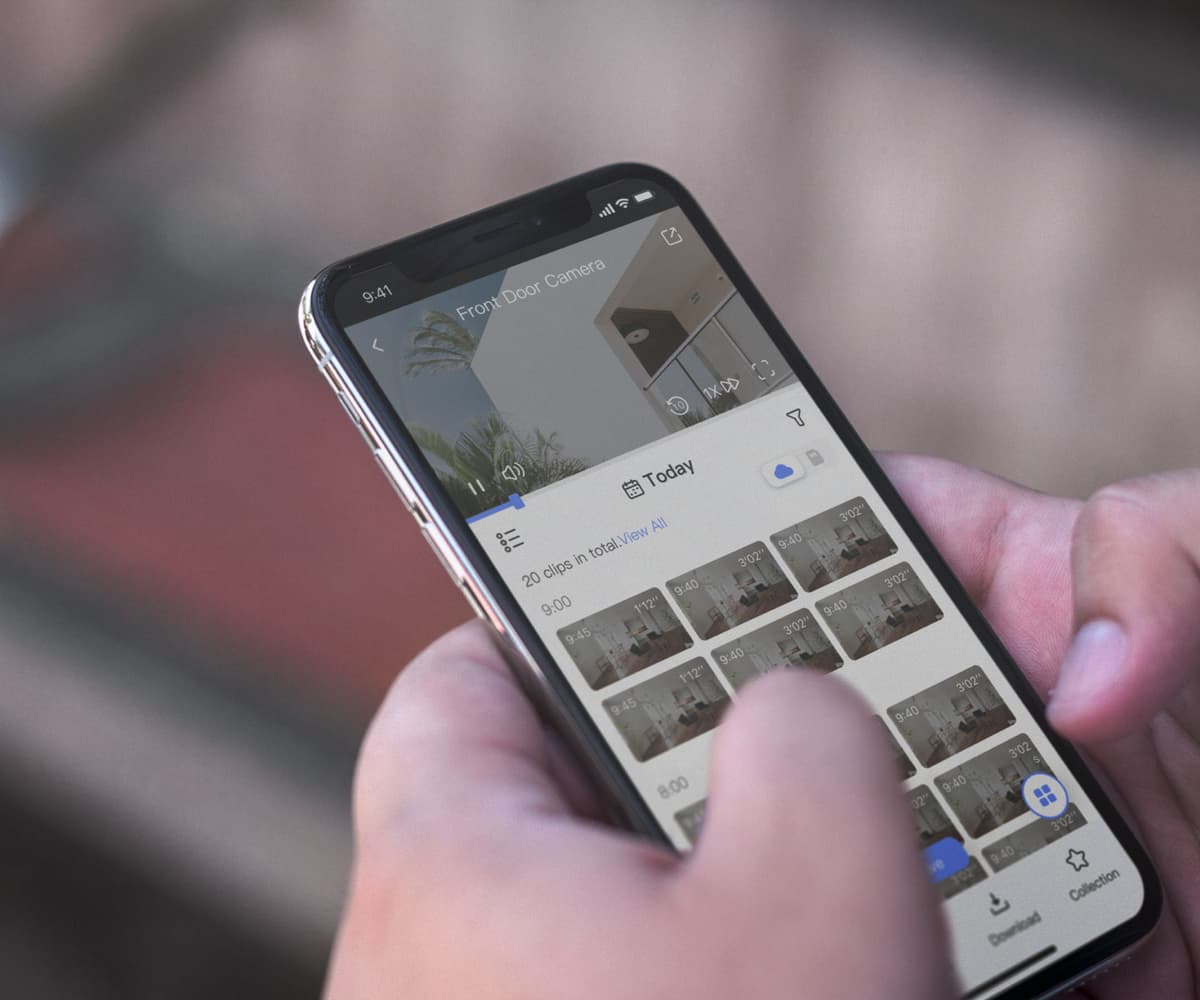
No more missed moments as you can always view and replay them on cloud.
No more video loss caused by storage card failure or camera theft.
No more frustrating storage limits with local storage tools.
It’s all about seamless,
interactive experiences
Access live videos on your smart camera anywhere and any time through the EZVIZ App. From daily routines to unexpected events, you’re just a touch away from knowing what’s going on.

We make it simple to store and share every moment
If you would like, upon subscription, EZVIZ CloudPlay can automatically save motion-triggered videos, or simply record a sweet family moment whenever you want. We offer versatile subscription plans to make sure every need is well covered.
*For video sharing, users will need to first download cloud videos to the EZVIZ App on their mobile device.
Everything about your data safety is our priority
EZVIZ strictly follows the industry's security standards and never compromises your privacy for any reason. Data transmissions between your devices and the Cloud is double-encrypted from end to end. Learn more about our commitment to data security.

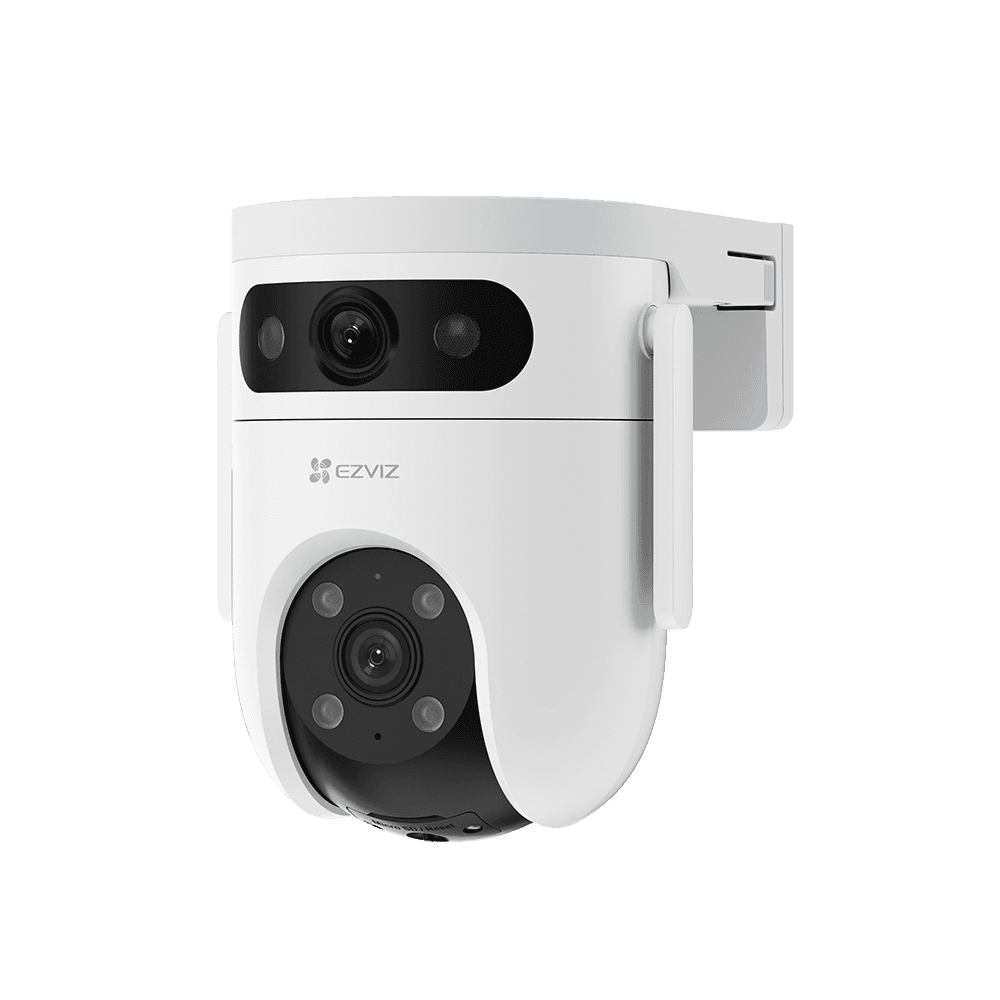
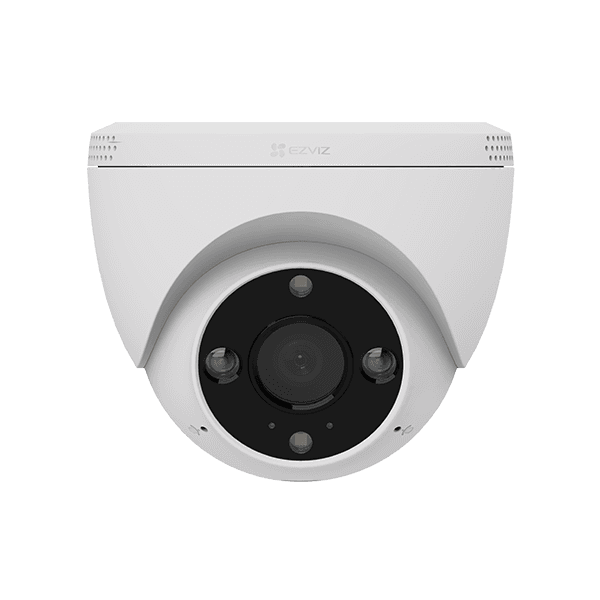
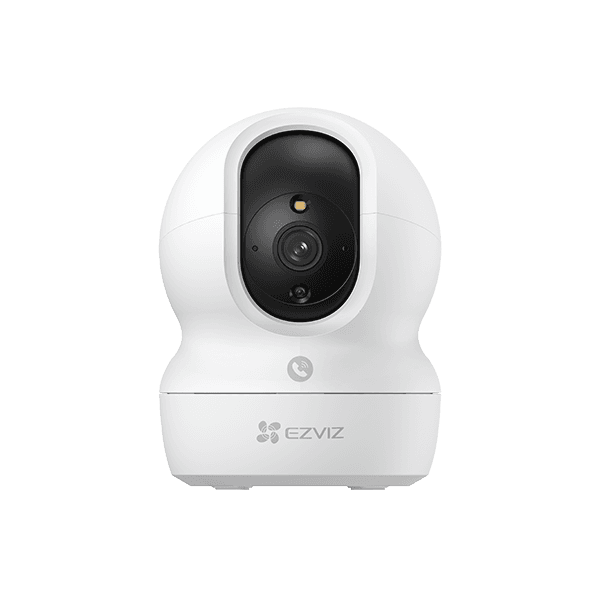
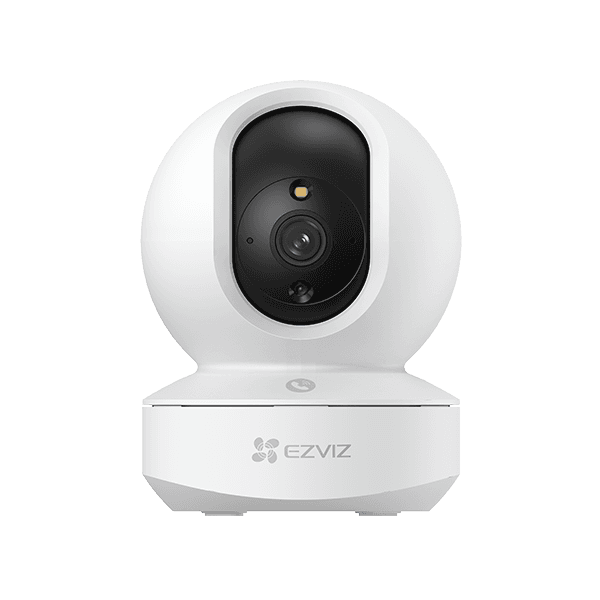
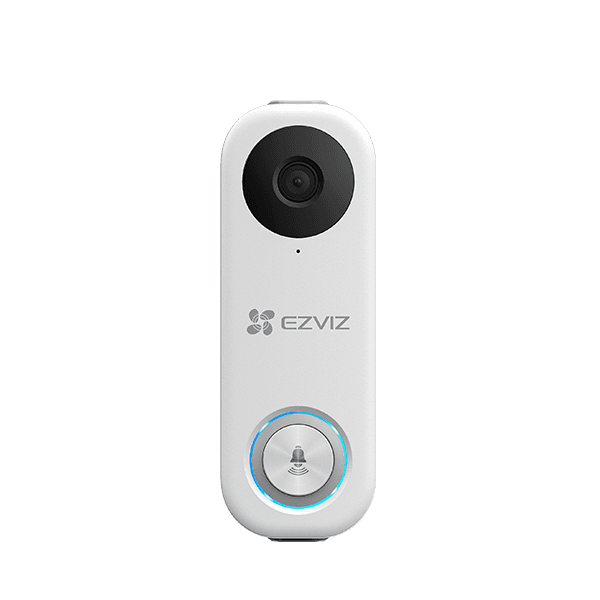
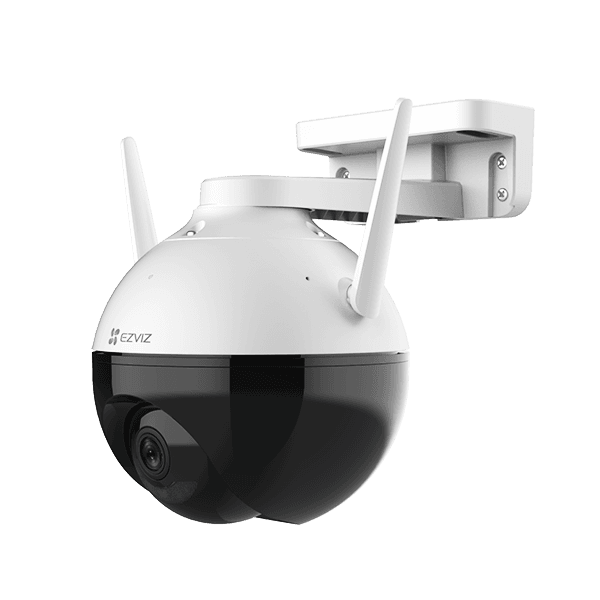
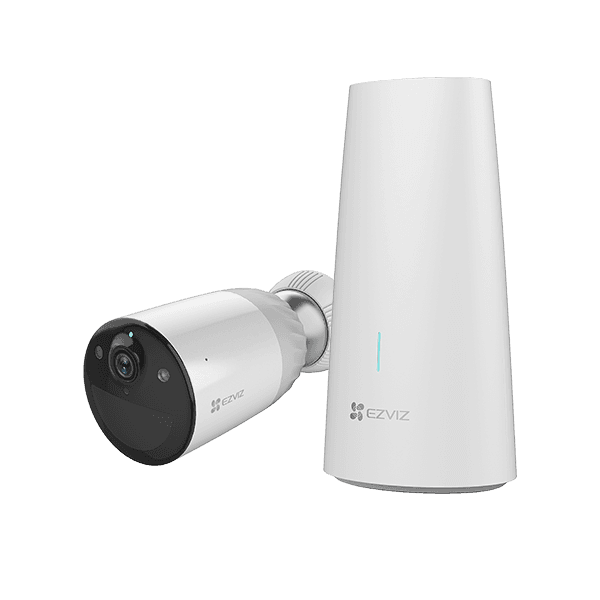
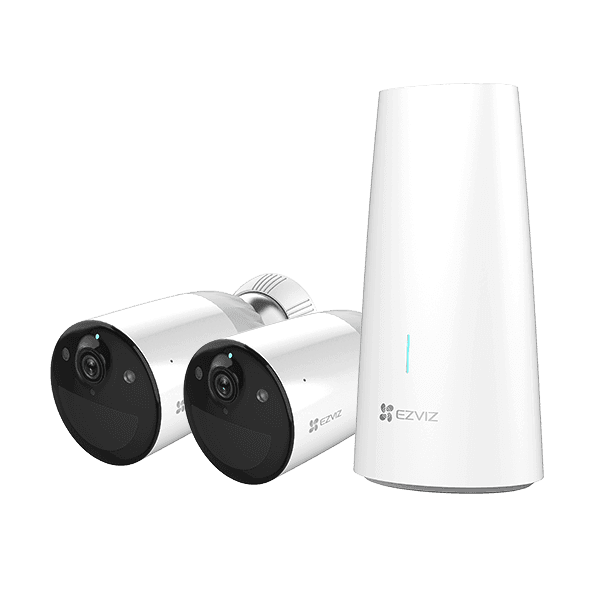
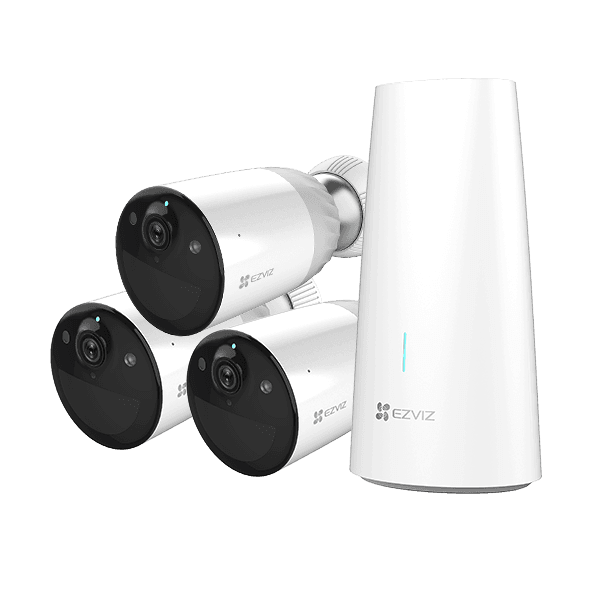
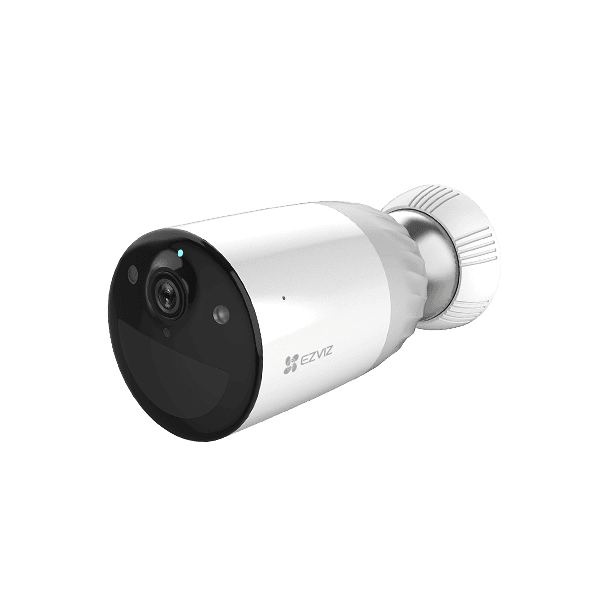
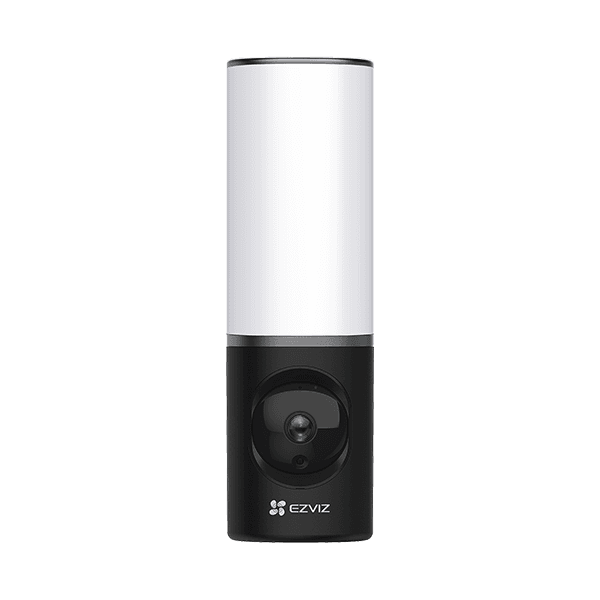
Supported Devices

FAQs
You can renew or change your plan at any time through the EZVIZ App. Simply go to your camera settings, select CloudPlay, and follow the prompts to modify your subscription.
It means that your camera will record videos when motion is detected, and these video clips will be stored in the cloud for a rolling 7-day period. Older clips are automatically deleted.
All your cloud videos can be accessed directly from the EZVIZ App. You can view, download to your phone, and share clips via email or social media directly from the library.
Please ensure that your device is online and the subscription is active for the correct device. If issues persist, try restarting your camera or contact our support team.
Subscriptions are billed automatically at the start of each billing cycle (monthly or yearly) based on the date you started your plan.
Refund policies vary by region and plan type. Generally, you can cancel anytime to stop future billing, but past payments may not be refundable. Please check the terms of service for details.